- 联系我们
- duidaima.com 版权声明
- 闽ICP备2020021581号
-
 闽公网安备 35020302035485号
闽公网安备 35020302035485号

void update([List<Object>? ids, bool condition = true]) {
  if (!condition) {
    return;
  }
  if (ids == null) {
    refresh();
  } else {
    for (final id in ids) {
      refreshGroup(id);
    }
  }
}
ids:要更新的 id数组,id可以在 GetBuilder 构建的时候指定,若指定了ids,则之后更新与 ids 中的 id 匹配的组件:GetBuilder<Controller>(
id: 'text'
init: Controller(), // use it only first time on each controller
builder: (_) => Text(
'${Get.find<Controller>().counter}', //here
),
),
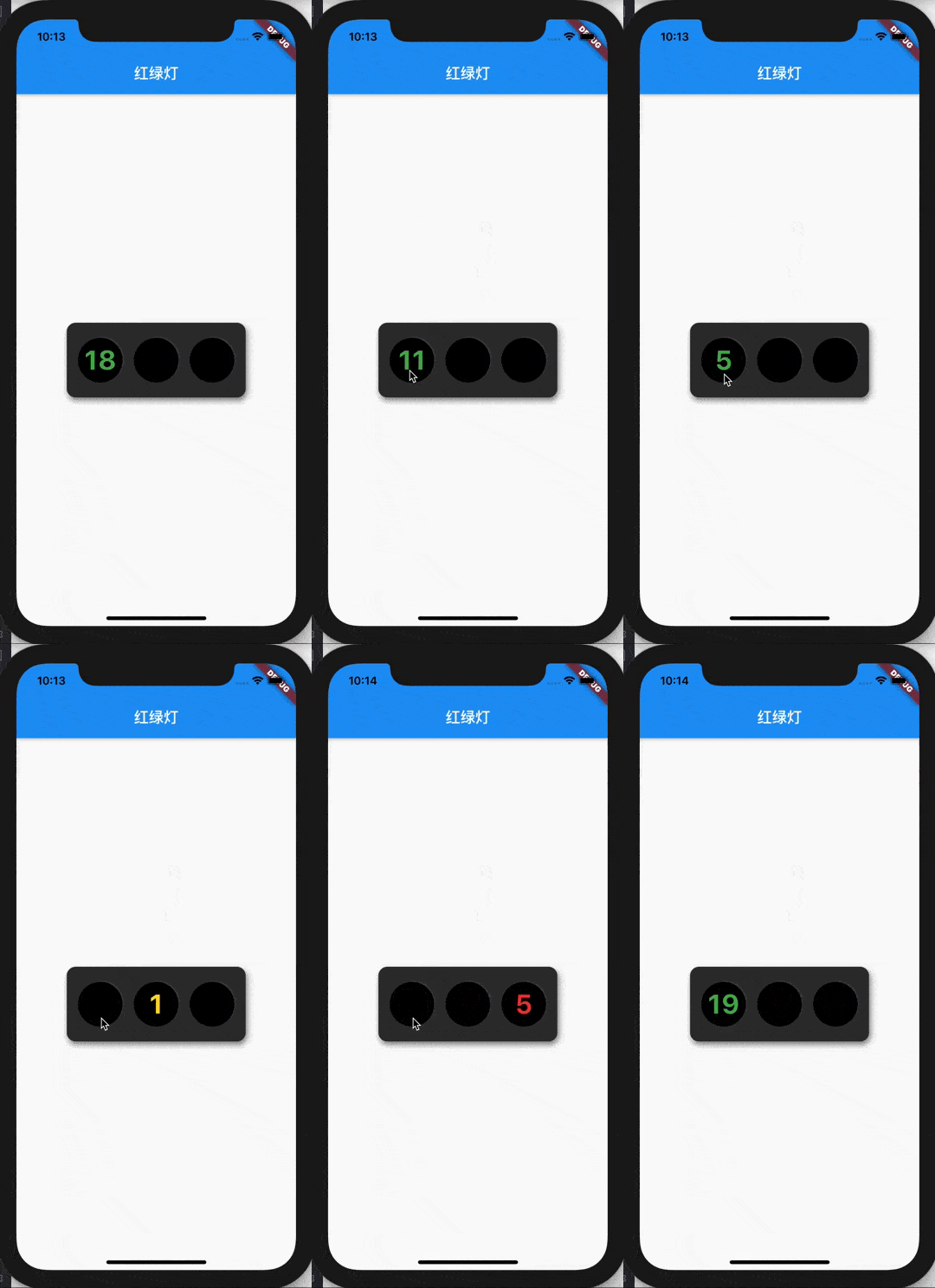
condition:条件表达式,只有当这个条件为真的时候才会更新组件。update(['text'], counter < 10);接下来我们模拟带倒计时的红绿灯来演示GetX 的定向更新的使用。
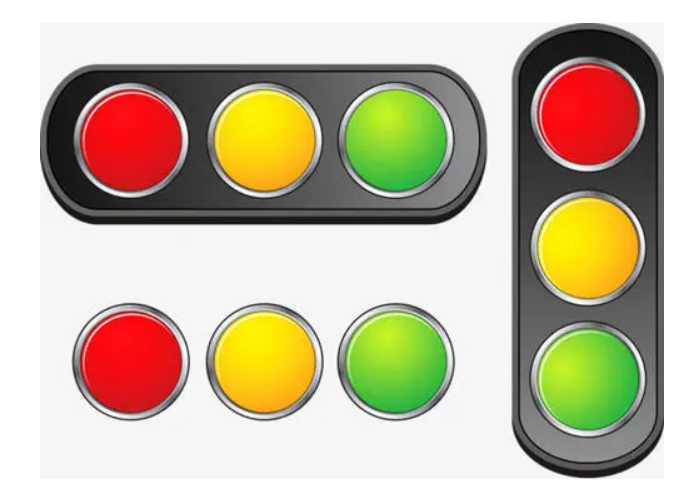
为了分别控制红绿灯,我们需要三个组件,分别是红灯、绿灯和黄灯。
// 堆代码 duidaima.com
class TrafficLed extends StatelessWidget {
  final Color ledColor;
  final int secondsLeft;
  final bool showSeconds;
  final double ledSize;
  const TrafficLed({
    Key? key,
    required this.ledColor,
    required this.secondsLeft,
    required this.showSeconds,
    this.ledSize = 60.0,
  }) : super(key: key);

  @override
  Widget build(BuildContext context) {
    return Center(
      child: Container(
        alignment: Alignment.center,
        width: ledSize,
        height: ledSize,
        decoration: BoxDecoration(
          color: Colors.black,
          borderRadius: BorderRadius.circular(ledSize / 2),
          boxShadow: [
            BoxShadow(
              color: Color(0xFF505050),
              offset: Offset(1, -1),
              blurRadius: 0.2,
            )
          ],
        ),
        child: Offstage(
          child: Text(
            '$secondsLeft',
            textAlign: TextAlign.center,
            style: TextStyle(
              color: this.ledColor,
              fontSize: 36,
              fontWeight: FontWeight.bold,
            ),
          ),
          offstage: !showSeconds,
        ),
      ),
    );
  }
}
接下来是整个灯的组合,这里我们使用横向的红绿灯,然后也用阴影做了一个有立体感的背景。关键代码在每个灯都使用了 GetBuilder 包裹,然后指定了每个灯的 id,这里以绿灯为例:GetBuilder<TrafficLightController>(
id: 'green',
init: lightController,
builder: (state) => TrafficLed(
ledColor: (state.currentLight == TrafficLight.green
? Colors.green
: Colors.black),
secondsLeft: state.counter,
showSeconds: state.currentLight == TrafficLight.green,
),
),
每个灯对应的逻辑如下:enum TrafficLight { green, red, yellow }
class TrafficLightController extends GetxController {
late TrafficLight _currentLight;
get currentLight => _currentLight;
int _counter = 0;
get counter => _counter;
late Timer _downcountTimer;
@override
void onInit() {
_counter = 20;
_currentLight = TrafficLight.green;
super.onInit();
}
@override
void onReady() {
_downcountTimer = Timer.periodic(Duration(seconds: 1), decreament);
super.onReady();
}
void decreament(Timer timer) {
_counter--;
if (_counter == 0) {
switch (_currentLight) {
case TrafficLight.green:
_currentLight = TrafficLight.yellow;
_counter = 3;
update(['green', 'yellow']);
break;
case TrafficLight.yellow:
_currentLight = TrafficLight.red;
_counter = 10;
update(['red', 'yellow']);
break;
case TrafficLight.red:
_currentLight = TrafficLight.green;
_counter = 20;
update(['red', 'green']);
break;
}
} else {
switch (_currentLight) {
case TrafficLight.green:
update(['green']);
break;
case TrafficLight.yellow:
update(['yellow']);
break;
case TrafficLight.red:
update(['red']);
break;
}
}
}
@override
void onClose() {
_downcountTimer.cancel();
super.onClose();
}
}
这里使用了三个声明周期函数: