- 联系我们
- duidaima.com 版权声明
- 闽ICP备2020021581号
-
 闽公网安备 35020302035485号
闽公网安备 35020302035485号

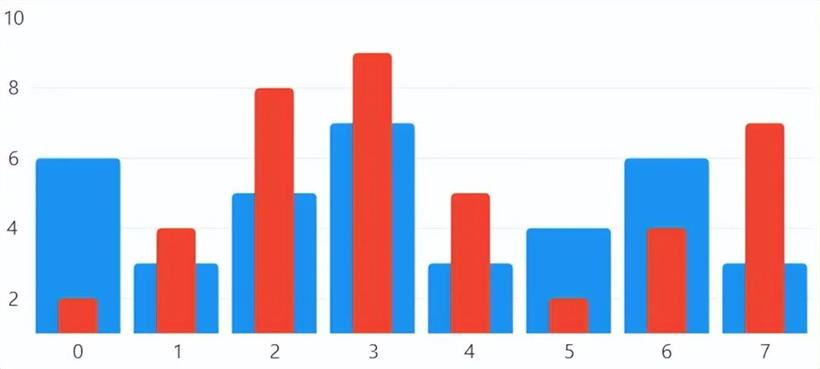
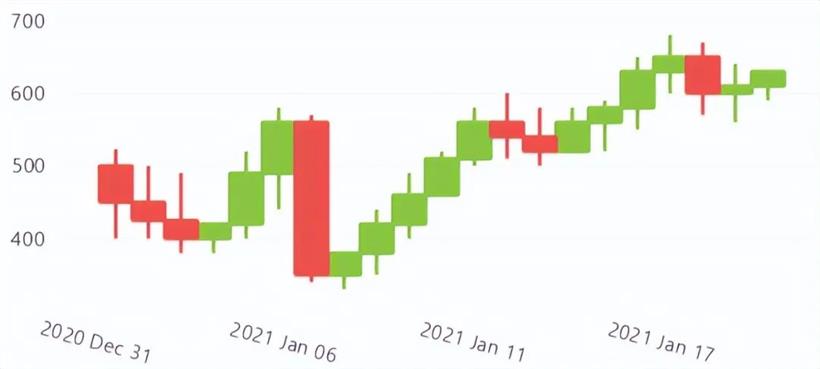
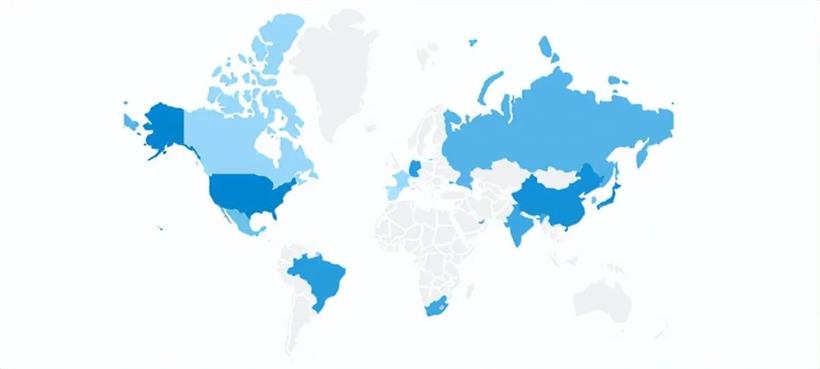
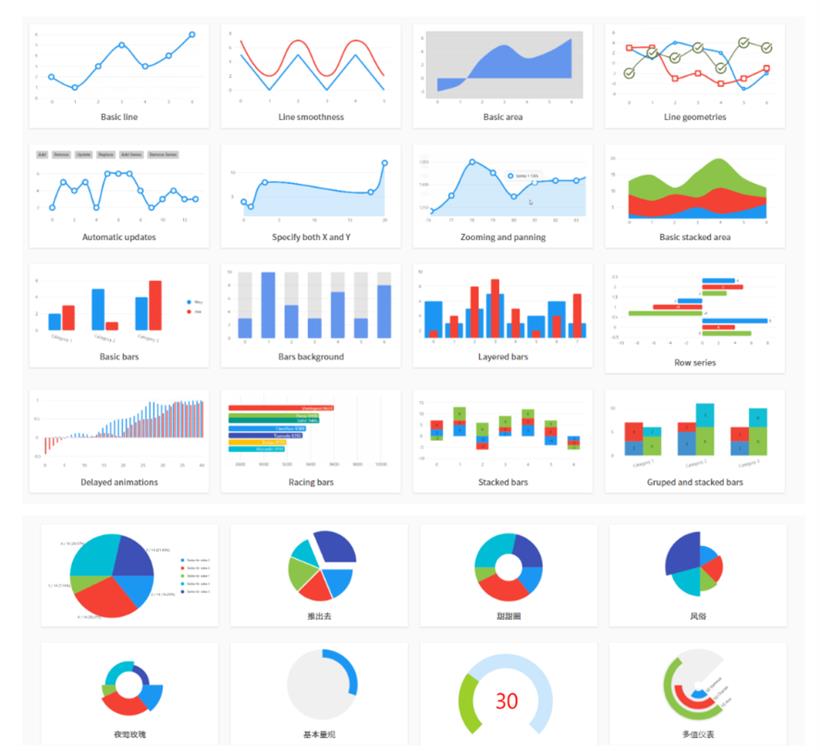
提供超过60多种图表类型,包括:基本图表、柱状图表、饼图、散点分布、股票行情、甘特图、仪表图、热点图、坐标图、地图等。图表使用灵活、交互体验好、数据支持自动更新可以实时动态变化。
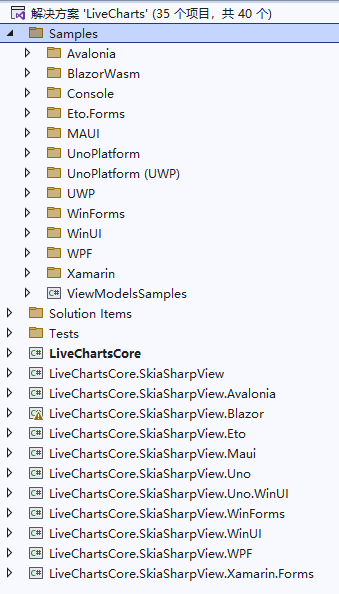

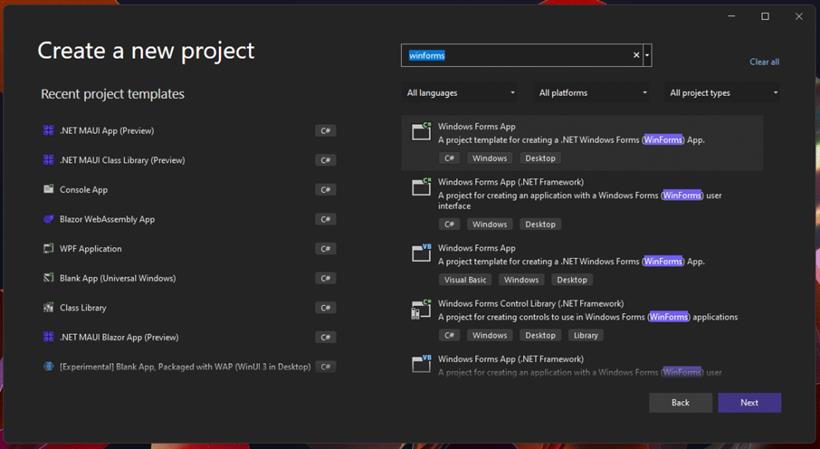
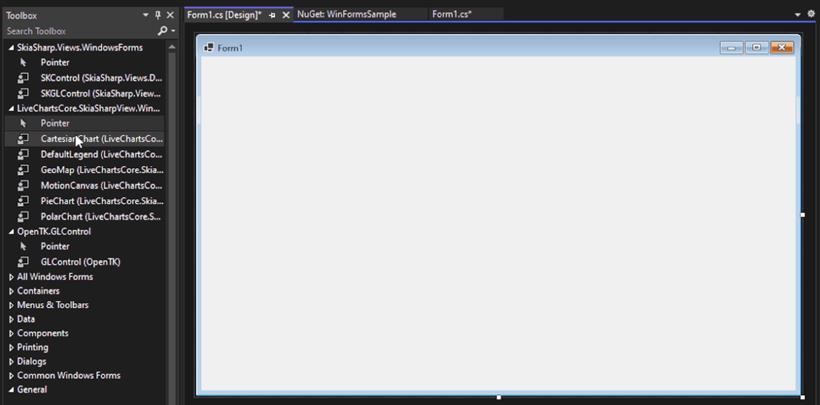
Install-Package LiveChartsCore.SkiaSharpView.WinForms安装插件后,在工具箱就能看到相应的图表控件,直接拖拉便可以开发。
using LiveChartsCore;
using LiveChartsCore.SkiaSharpView;
namespace WinFormsSample
{
    public partial class Form1 : Form
    {
        public Form1()
        {
            InitializeComponent();

            cartesianChart1.Series = new ISeries[]
            {
                new LineSeries<double>
                {
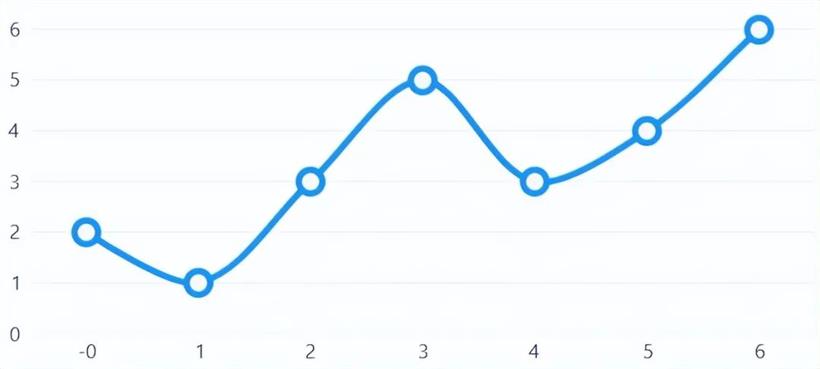
                    Values = new double[] { 2, 1, 3, 5, 3, 4, 6 },
                    Fill = null
                }
            };
        }
    }
}
4、配置图表主题using System;
using System.Windows.Forms;
using LiveChartsCore;
using LiveChartsCore.SkiaSharpView;
namespace WinFormsSample
{
static class Program
{
[STAThread]
static void Main()
{
_ = Application.SetHighDpiMode(HighDpiMode.SystemAware);
Application.EnableVisualStyles();
Application.SetCompatibleTextRenderingDefault(false);
Application.Run(new Form1());
LiveCharts.Configure(config =>
config
// registers SkiaSharp as the library backend
// REQUIRED unless you build your own
.AddSkiaSharp()
// adds the default supported types
// OPTIONAL but highly recommend
.AddDefaultMappers()
// select a theme, default is Light
// OPTIONAL
//.AddDarkTheme()
.AddLightTheme()
// finally register your own mappers
// you can learn more about mappers at:
// ToDo add website link...
.HasMap<City>((city, point) =>
{
point.PrimaryValue = city.Population;
point.SecondaryValue = point.Context.Index;
})
// .HasMap<Foo>( .... )
// .HasMap<Bar>( .... )
);
}
}
}
图表样式效果图